LumosCast
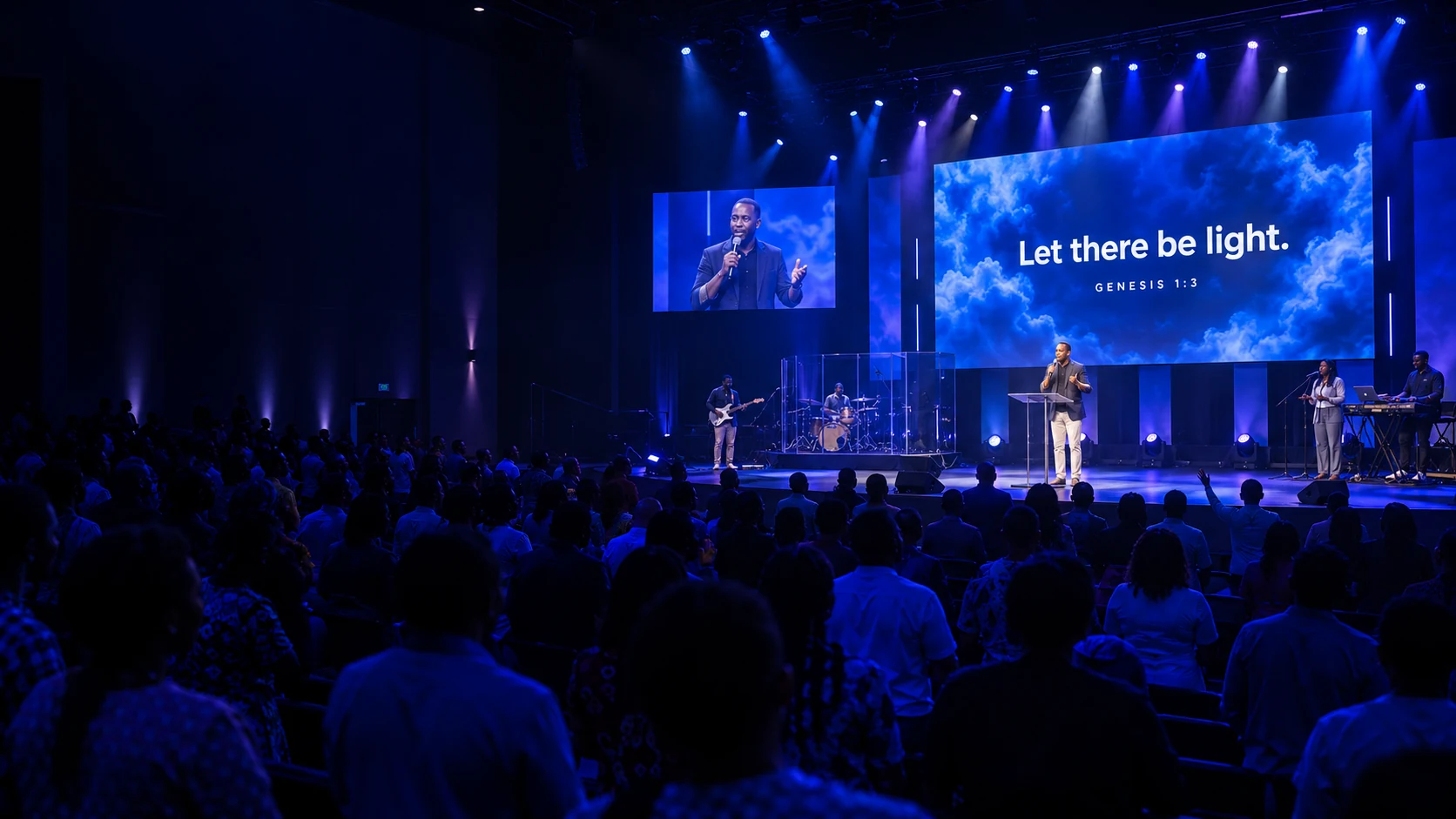
Scripture displayed above a speaker in a church auditorium, with the congregation following along.

MEET LUMOSCAST

Every moment.
Every screen.

Scripture, songs, and media. The whole service
in one presentation flow. Displays shaped for your space.

Find your platform
Built for the production booth.One service. Every screen.
SCRIPTURE + LUMOS

Find Scripture.
Or let Lumos find it.

Search or browse to the verses you need. Preview them, then send them live.

  • Choose from bundled offline translations, including KJV, ASV, and BSB.
  • Connect additional online translations with your own API.Bible key.

YOUR LISTENING ASSISTANT

Meet Lumos.

Turn on autodetection.
Let Lumos find the verse.

So you can actually listen to the message, not just hear it.

“Let’s turn to Genesis one, verse three.”
REFERENCE FOUNDGenesis 1:3

And God said, Let there be light: and there was light.

KJV · Illustrative example

Works alongside your own search and controls.

SONGS

Every verse.
Every chorus.

Build a searchable song library, create and edit lyrics, or bring in text files and an existing EasyWorship song library. Line up songs for the service without changing what’s already on screen.

  • Organize lyrics into sections for presentation.
  • Preview a section, then send it live when you’re ready.
  • Step through the live song with the keyboard as the worship moves.
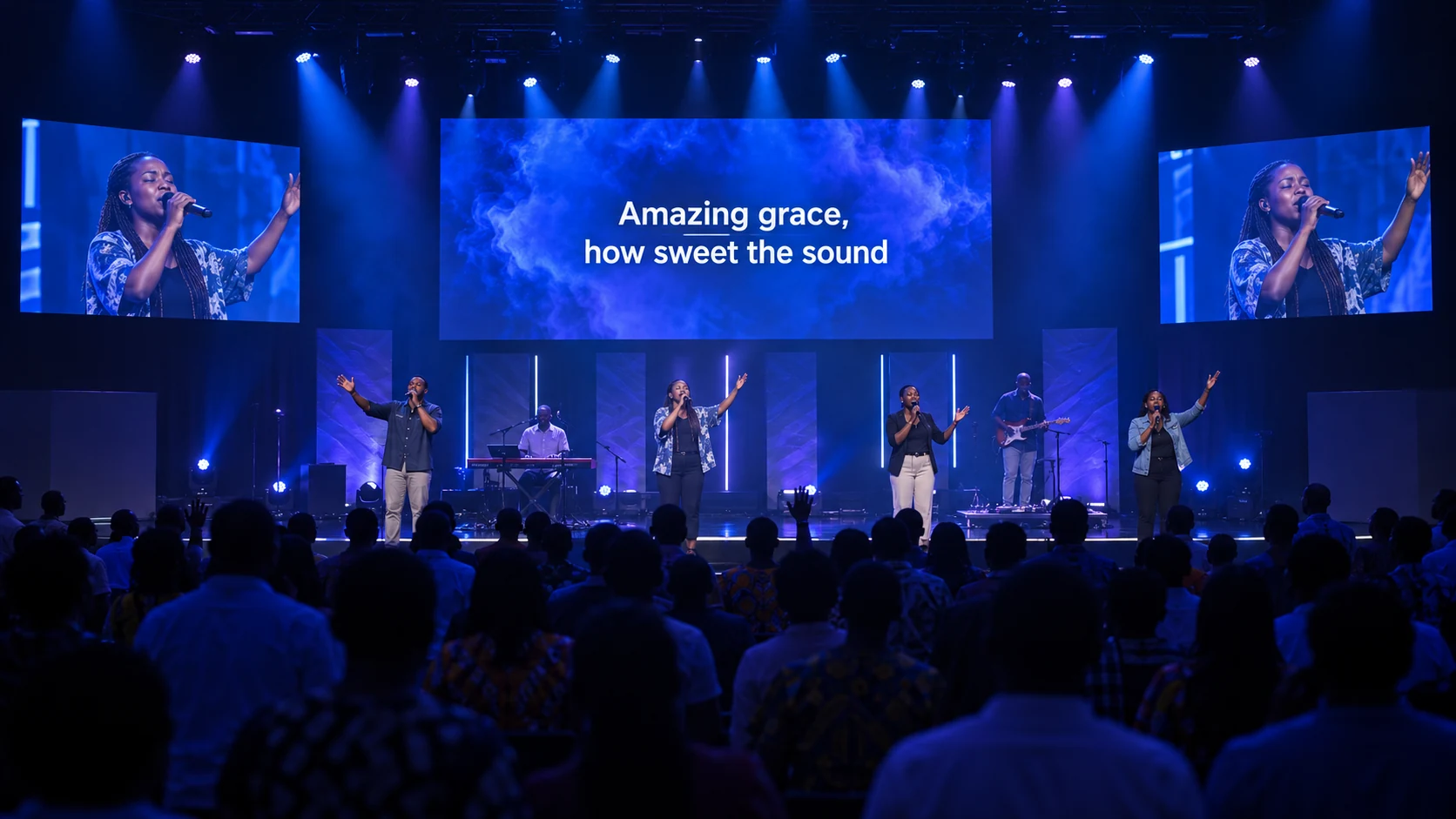
A church congregation singing together, with Amazing Grace lyrics displayed above the worship team.
VERSECHORUSBRIDGE
CUSTOM DISPLAYS

Customize fonts, text size, alignment, view dimensions, backgrounds, and more. Your screen, your choice.

Your screen.
Your choice.

Scripture on the main screen above the church stage.
In the auditoriumScripture where the whole room can follow.
A worship team filmed for a church livestream.

Let there be light.

GENESIS 1:3 · KJV
Livestream / OBSA lower-third layout for your broadcast.
GENESIS 1:3 · KJV

Let there
be light.

On the stageThe same words, styled for a different display.

Illustrative scenes and display layouts. All displays share the live content; their appearance can differ.

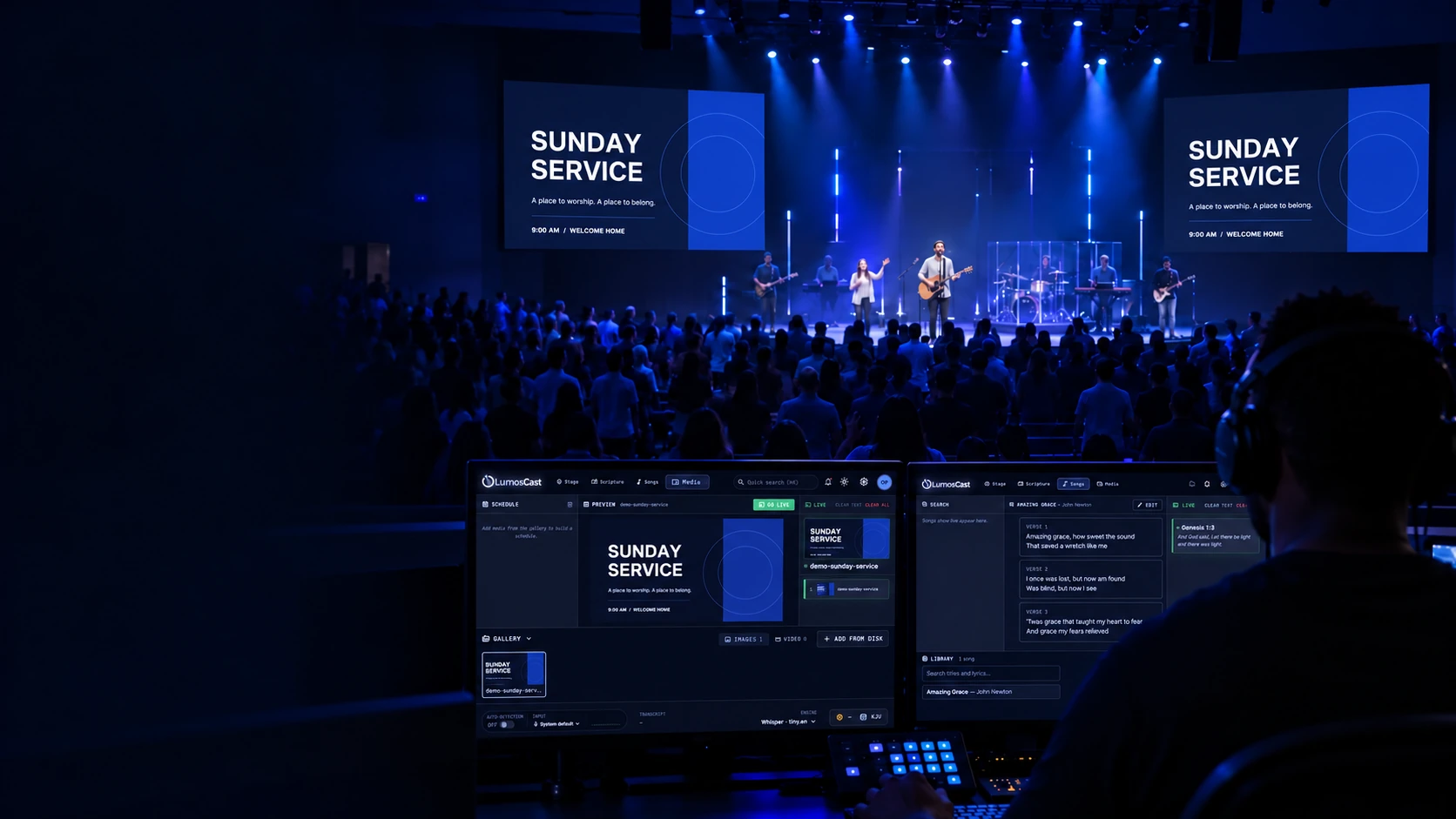
A volunteer using LumosCast’s Media tab to preview a Sunday Service flyer, with the same flyer on both auditorium screens.
SYNCHRONIZED MEDIA

One cue.
Every display.

Images, videos, and the moments between.
Keep connected displays on the same playback timeline.

Build the sequence.Upload images and videos to your media library. Arrange timed slideshows, video queues, and individual items for the service.

Control it together.Play, pause, seek, and loop video from the console. Playback changes are synchronized across all connected displays.

Keep the service moving.Control the live media even while you’re in Scripture or Songs. Displays that reconnect catch up with the current live content.

BRING LUMOSCAST HOME

Made for your
production booth.

Choose where you’ll use LumosCast.
Download for Windows or your Apple silicon Mac.

Download LumosCastComing soon

LumosCast for macOS

A brighter experience, on your Mac.

Downloads are coming soon.

Not available just yet. Check back for the first release.